With 1Password Shell Plugins, you can configure 1Password to securely authenticate third-party CLIs with your fingerprint, Apple Watch, or system authentication. Your CLI credentials are stored in your 1Password account, so you never have to manually enter your credentials or store them in plaintext.
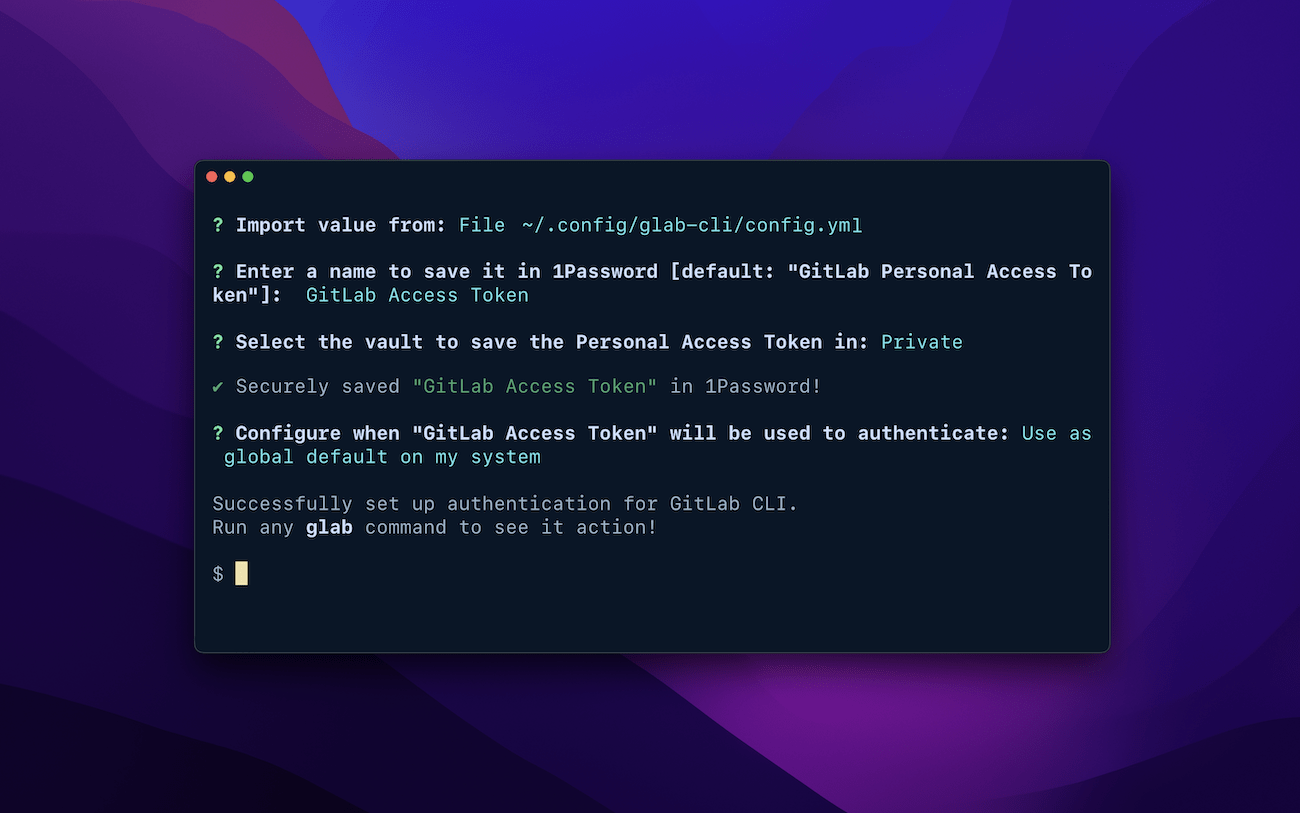
Mac terminal window showing 1Password saving a GitLab access token and setting up authentication for the GitLab CLI.

Setting up the GitLab CLI shell plugin with op plugin init.

You can test shell plugins or choose a shell plugin from the list below to get started. Shell plugins are compatible with the following shells:
  • Bash
  • Zsh
  • fish

Get started

Your favorite tool not listed?

Find out how to build your own plugin.