Requirements
- Sign up for 1Password.
- Install and sign in to 1Password for Mac, Windows, or Linux.
- Install the 1Password browser extension.
- Import or generate SSH keys in 1Password.
AWS CodeCommit
Visit the Security credentials tab of your IAM user to add a new key: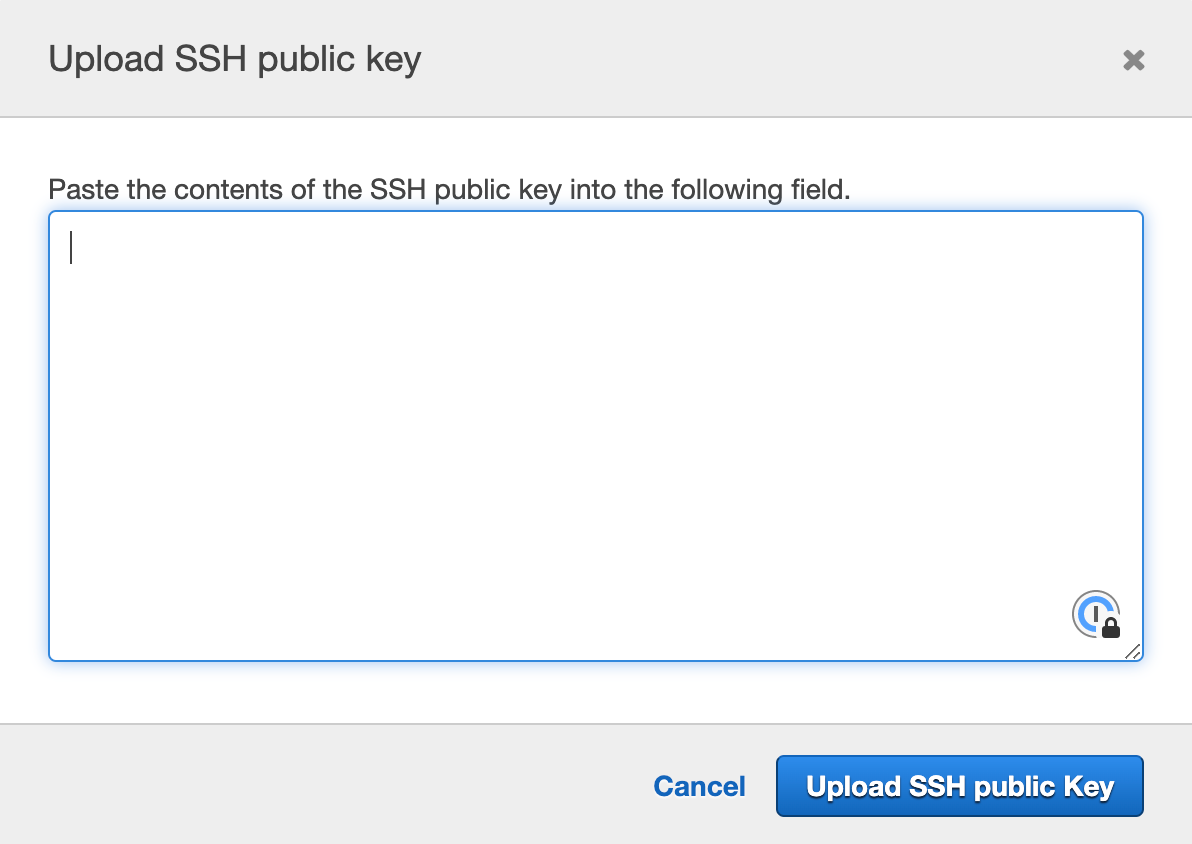
Azure DevOps
Visit the SSH public keys page of your user settings to add a new key: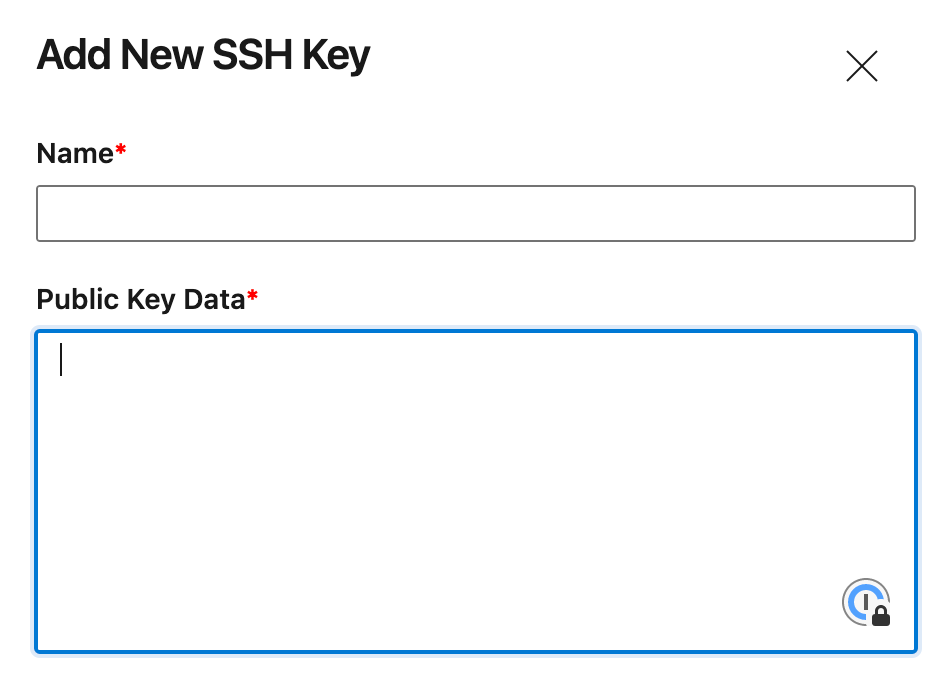
Bitbucket
Visit the Bitbucket SSH key settings to add a new key: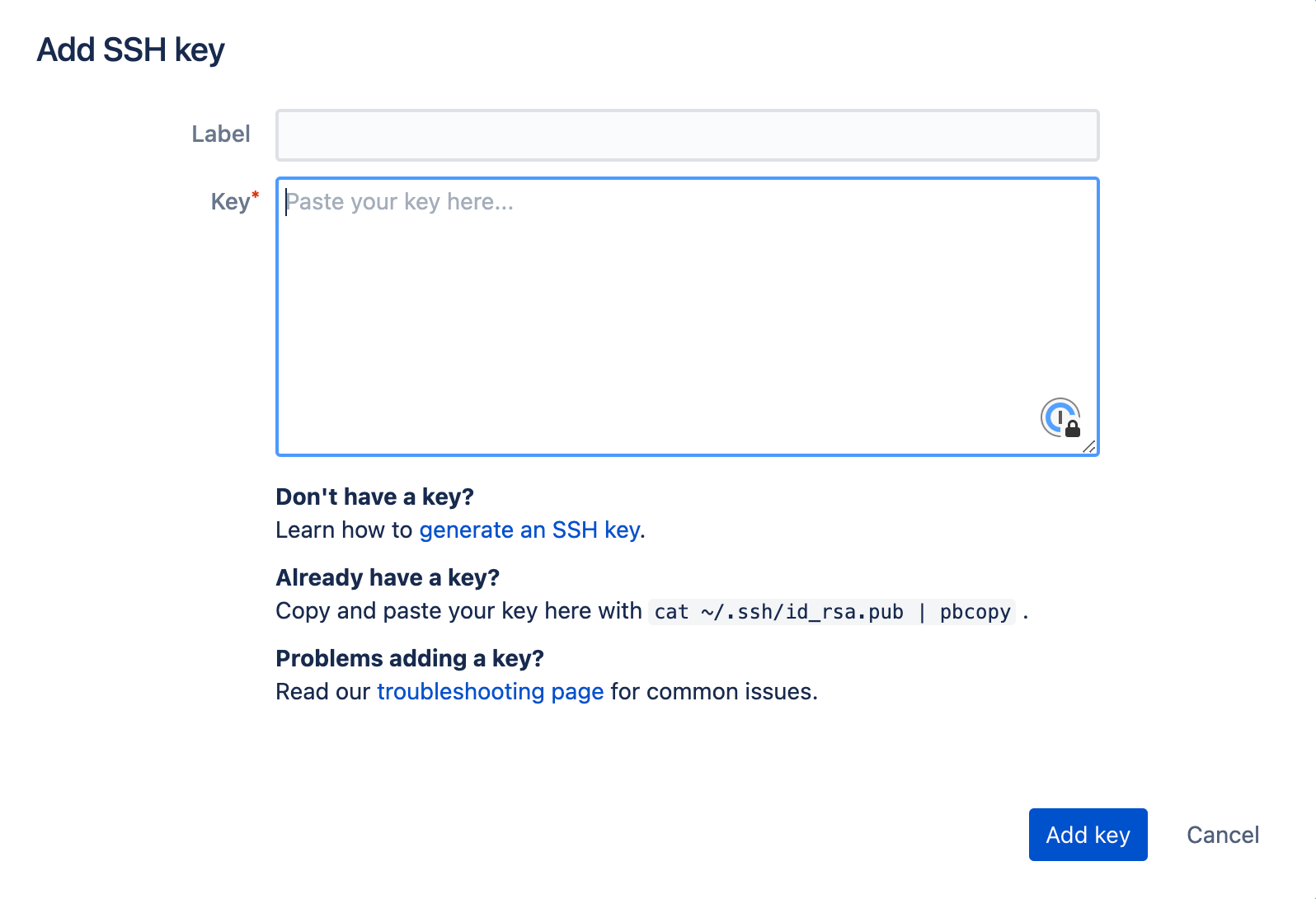
DigitalOcean
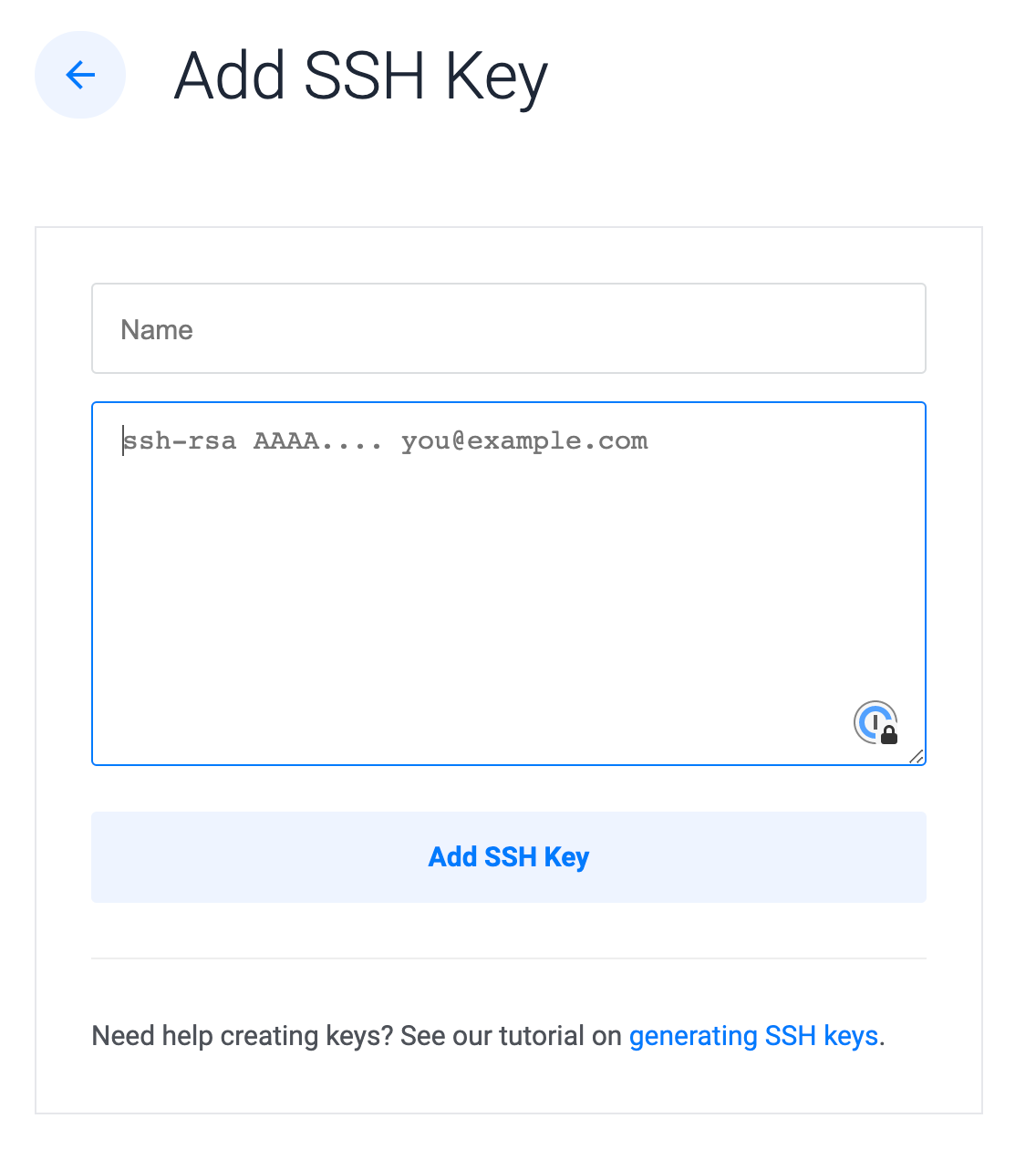
Visit your account security settings to add a new key: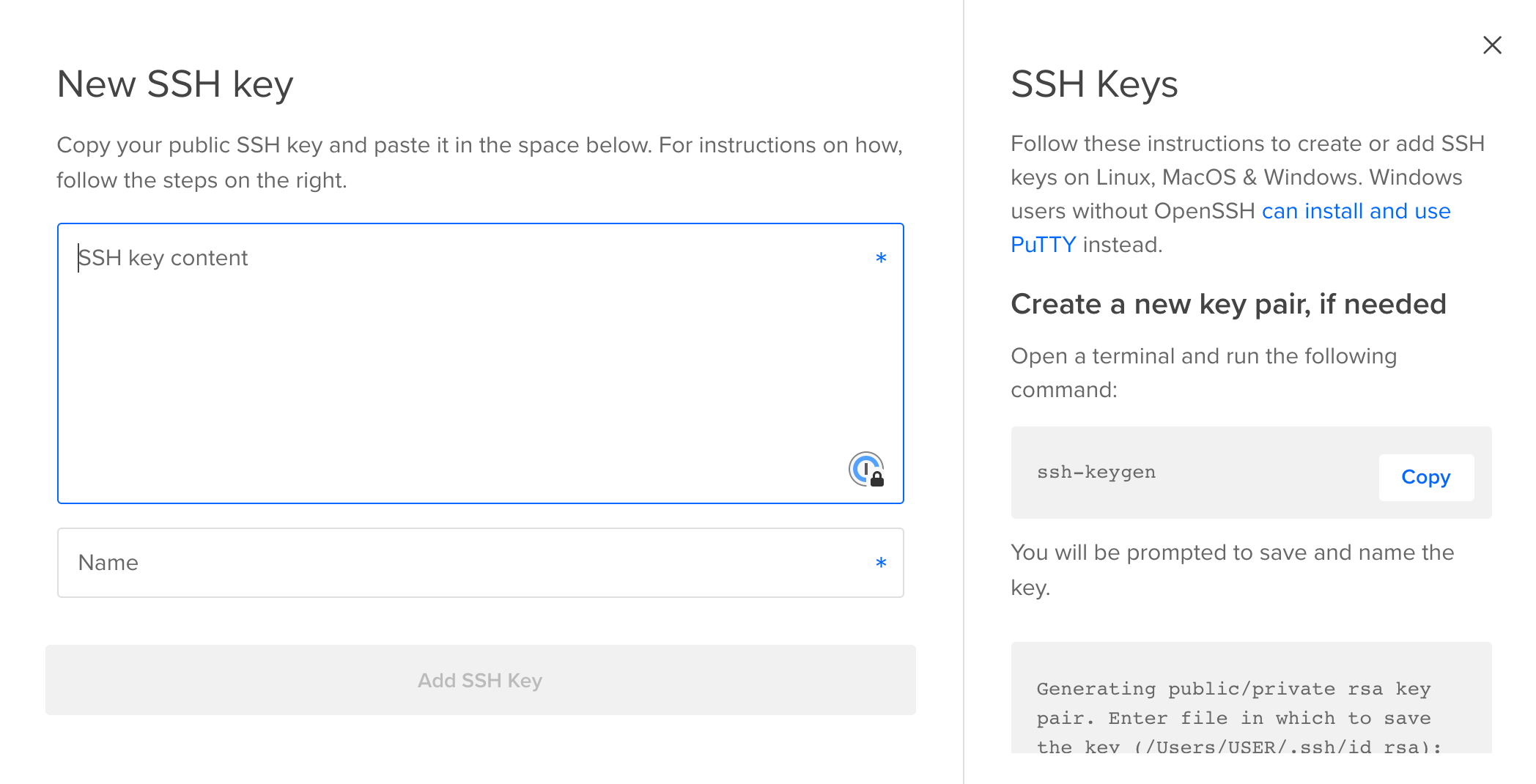
GitHub
Visit the GitHub SSH key settings to add a new key: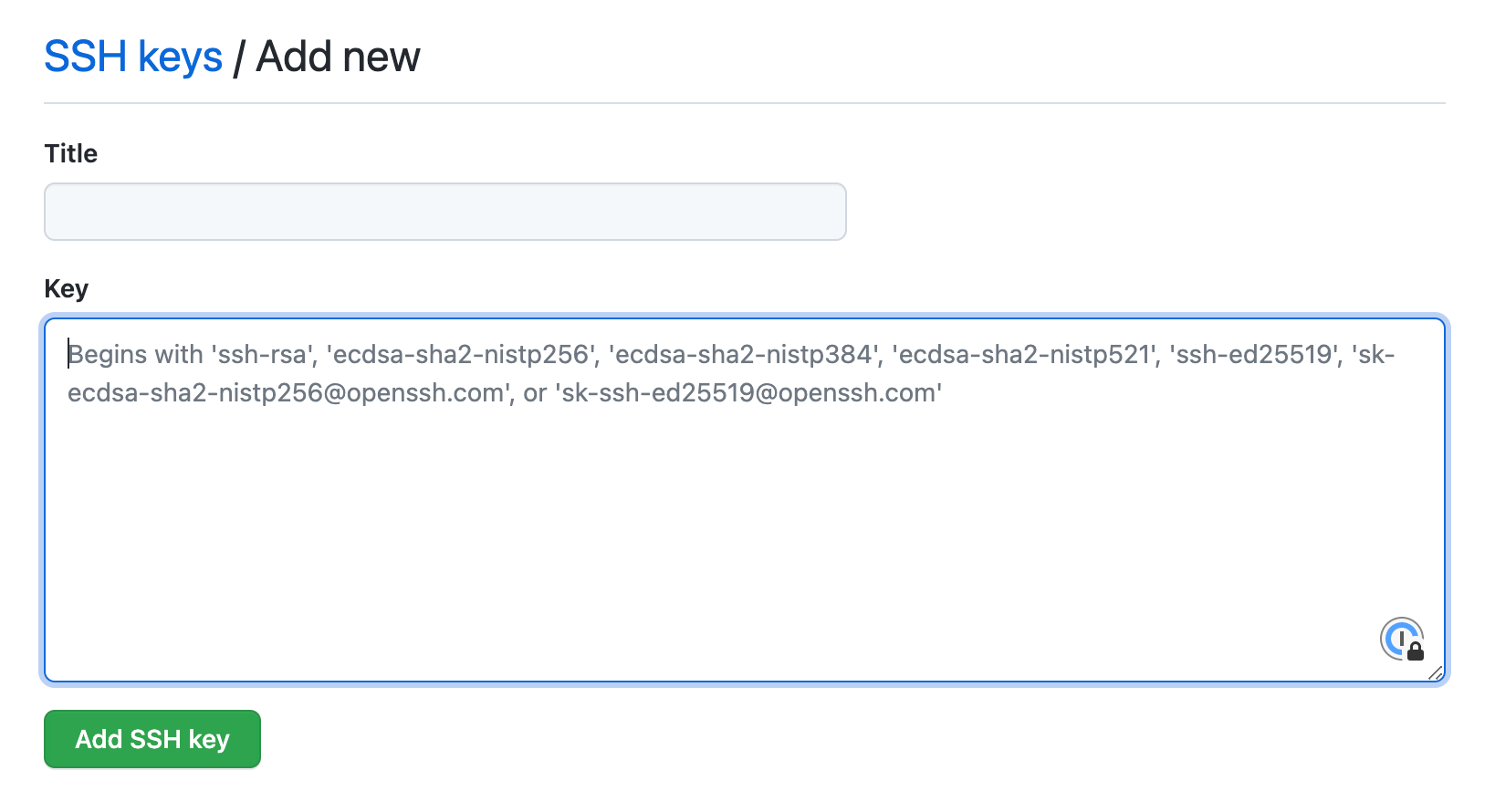
GitLab
Visit the GitLab SSH key settings to add a new key: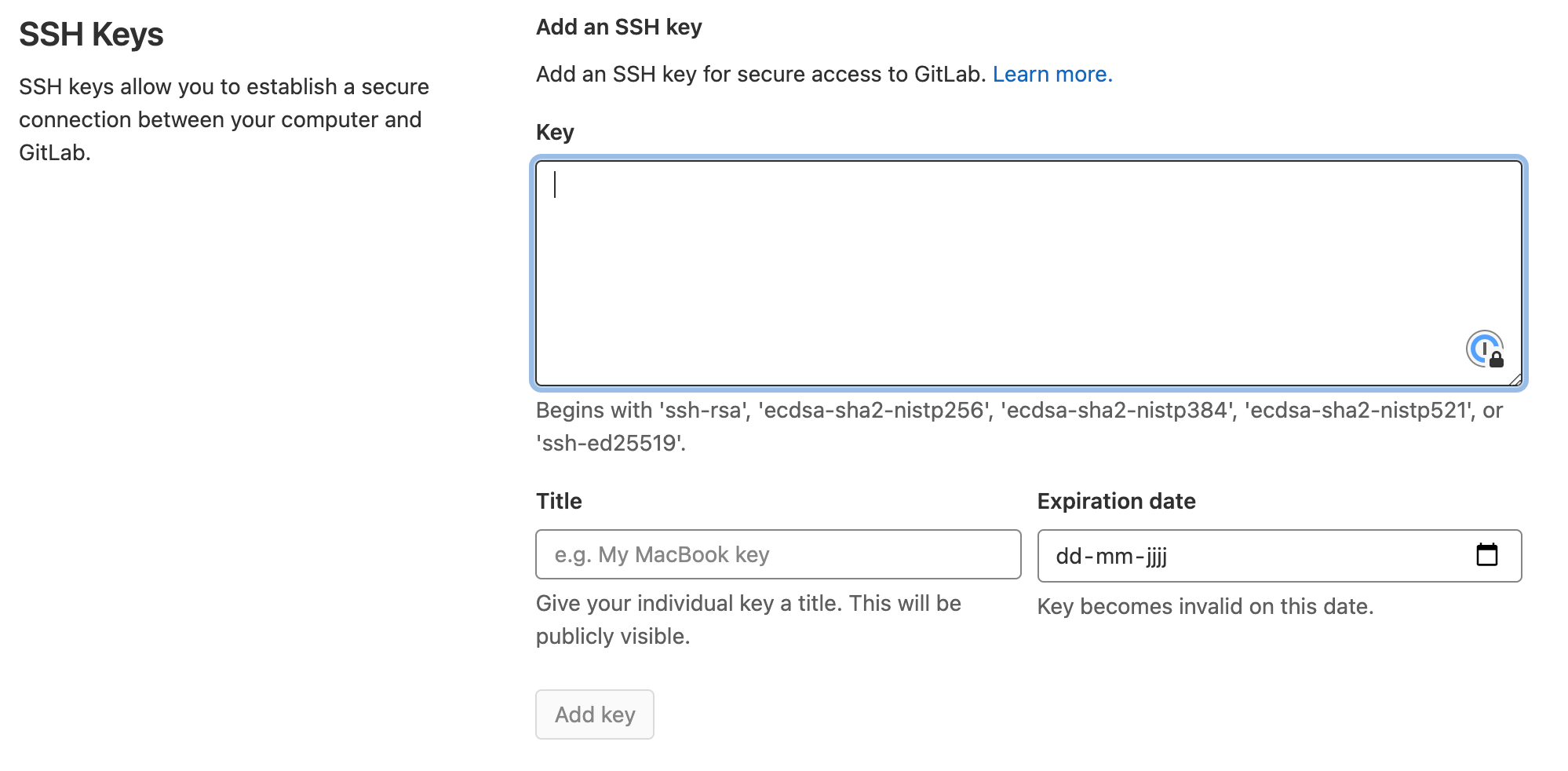
Gitpod
Visit the Gitpod SSH key settings to add a new key: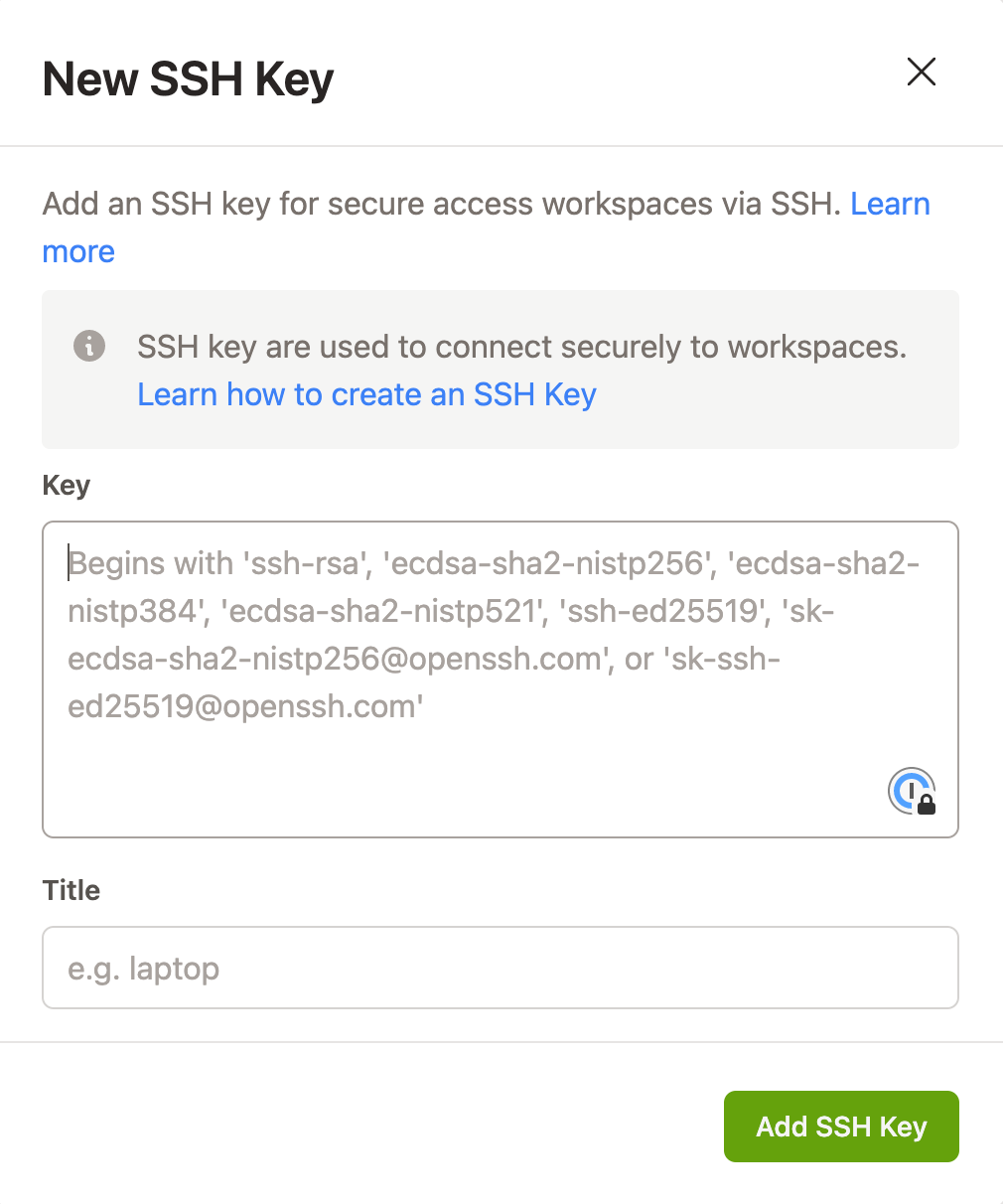
Google Compute Engine
Visit the Google Compute Engine metadata settings to add a new key: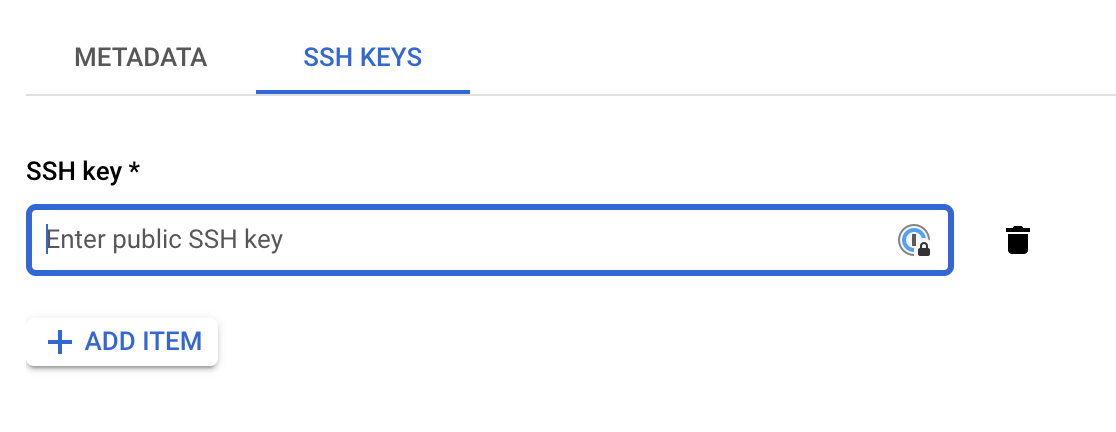
IBM Cloud (VPC)
Visit the SSH keys section in the VPC Infrastructure console to add a new key: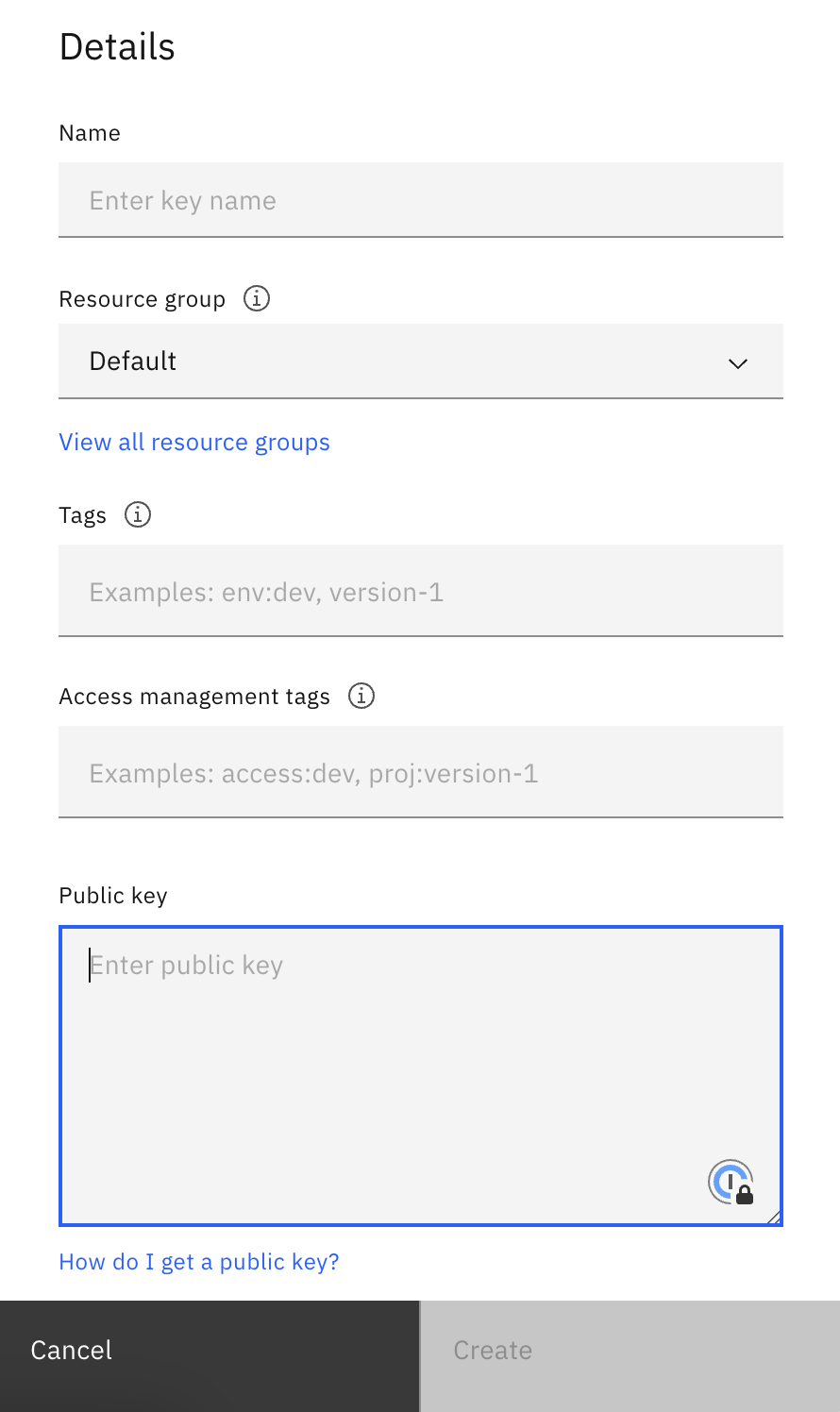
IBM Cloud (Classic)
Visit the SSH keys section in the Classic Infrastructure console to add a new key: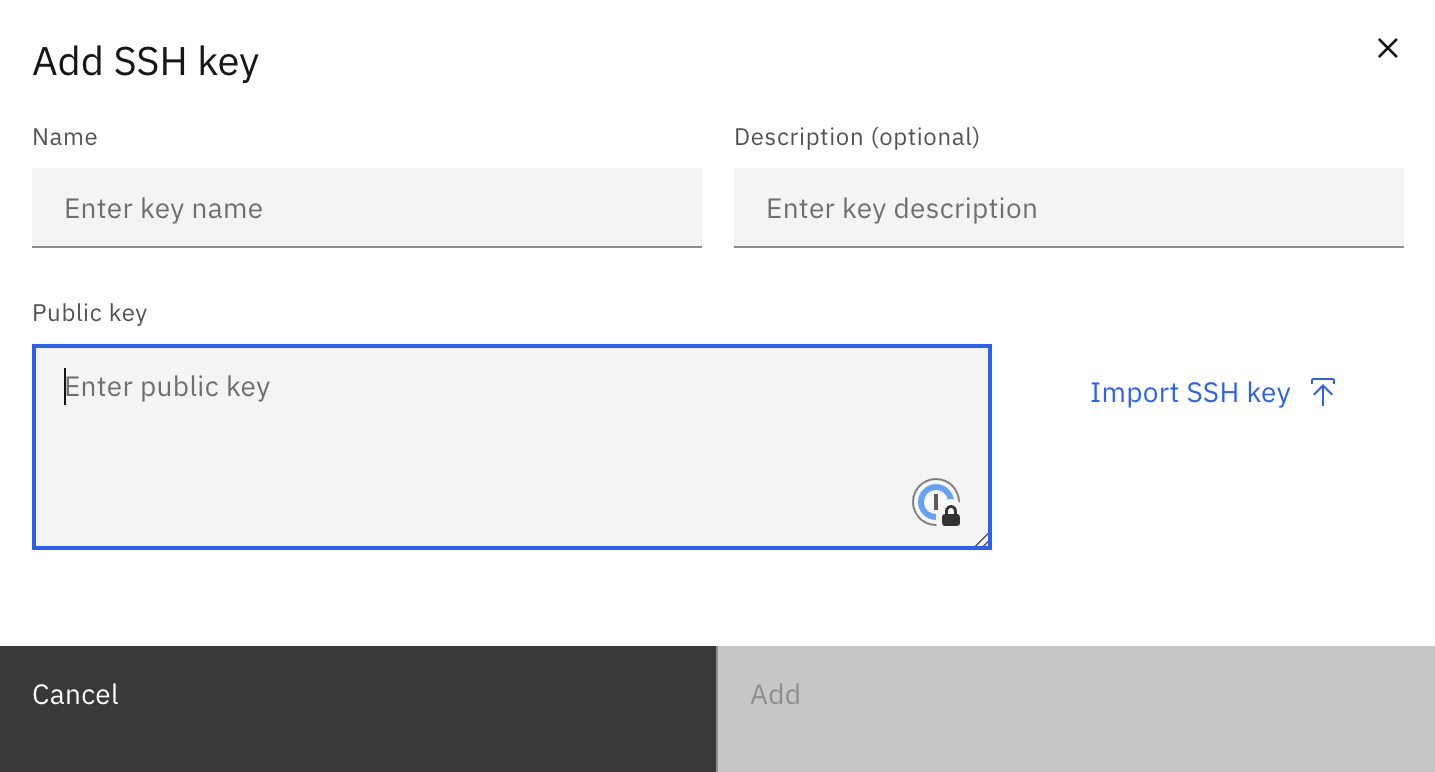
JetBrains Space
Visit the Git Keys tab in your Space profile settings to add a new key: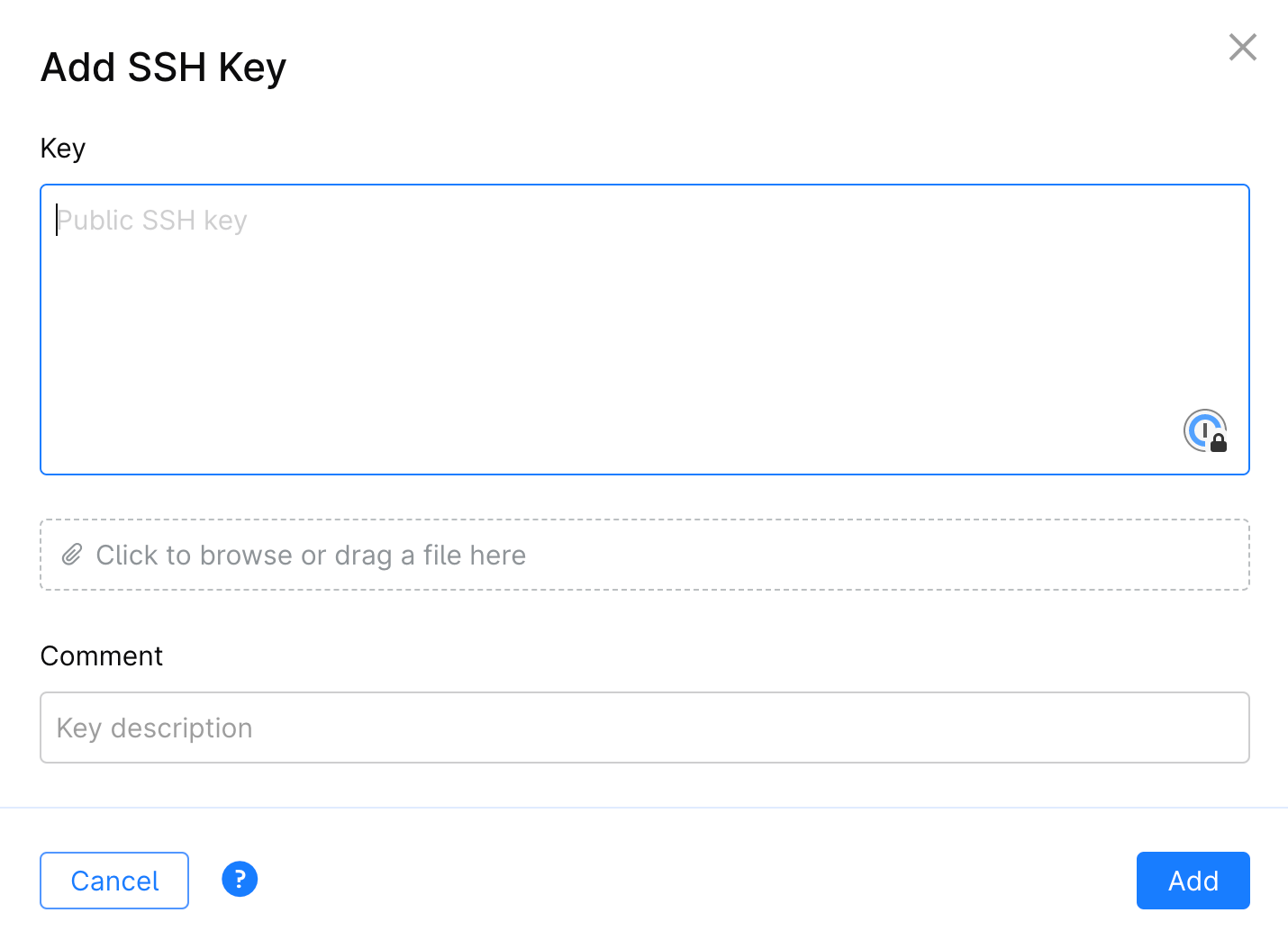
Linode
Visit the SSH Keys section in your profile to add a new key: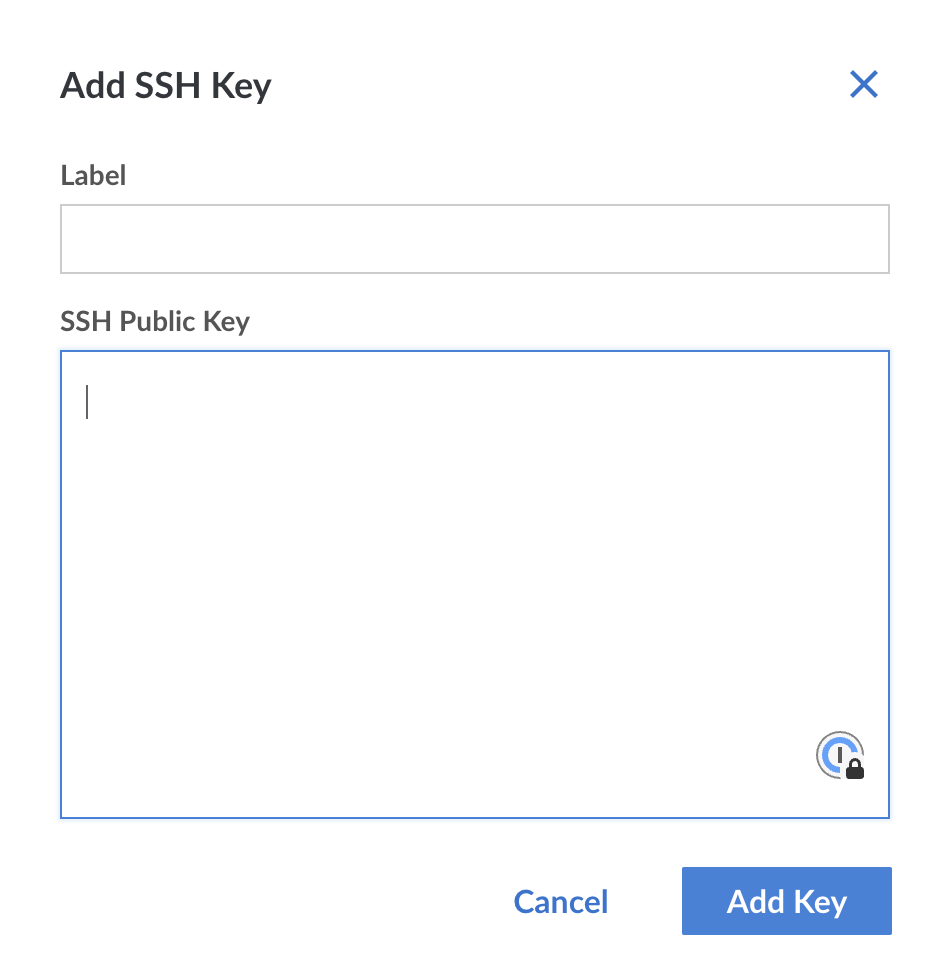
Microsoft Azure
Visit the SSH keys section in the Azure portal to add a new key: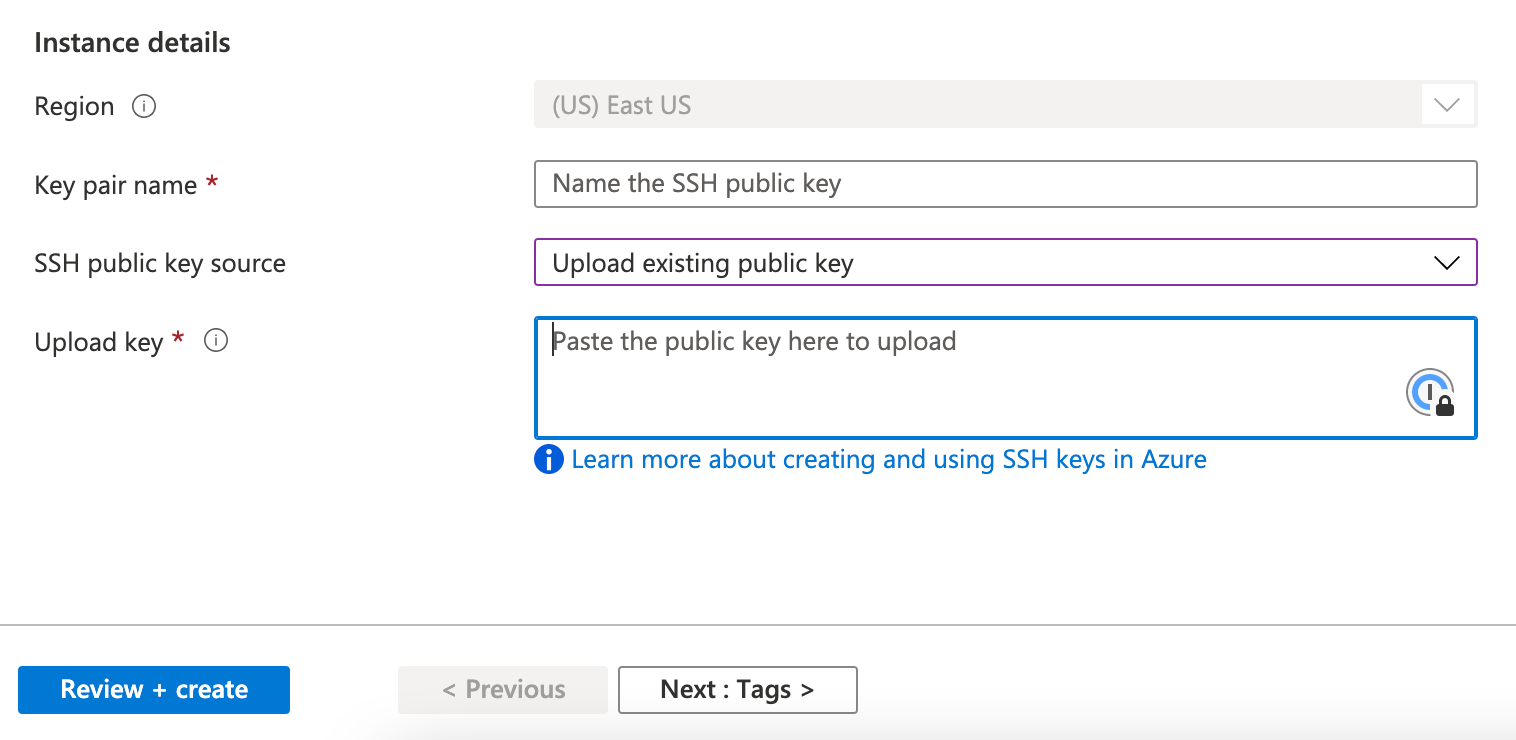
Ngrok
Visit the SSH Public Keys section in the Ngrok dashboard to add a new key: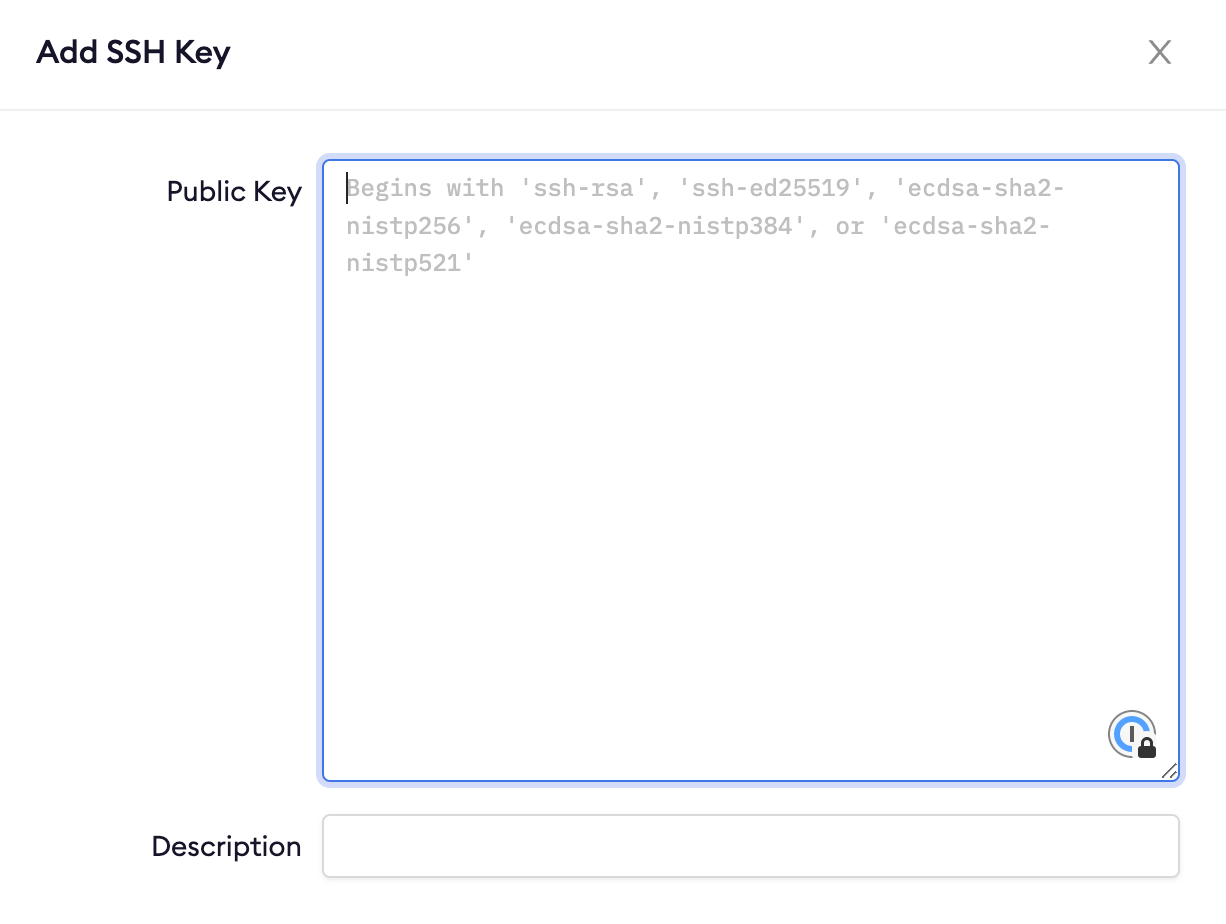
Vultr
Visit the Vultr SSH key settings to add a new key: